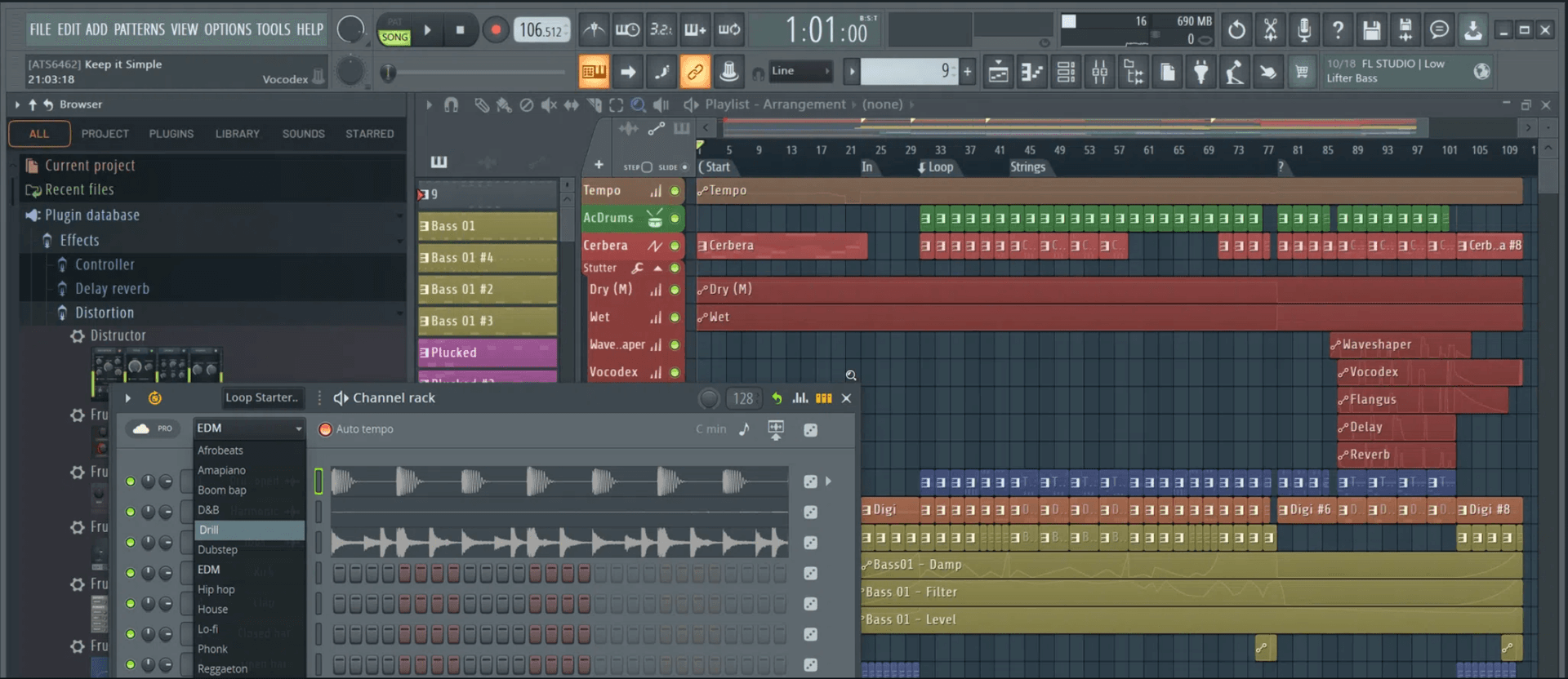
FL Class | San Francisco
FL Studio Course
Build Beats. Shape Sound. Finish Tracks.
FL Studio has become a go-to DAW for electronic music producers and beat-makers around the world—but whatever your genre, if FL is your weapon of choice, and you want your name on this list of notable users, this course will give you the tools and confidence to have the best chance.
Taught at our San Francisco studio, the FL Class keeps groups small enough that every student gets real time at the controls. Bay Area producers lead the sessions, and the identical course can be taken live online if that suits you better, using our specialist music collaboration software, Muse.
Main Menu Bar
- →File Menu
- →Edit Menu
- →Add Menu
- →Patterns Menu
- →View Menu
- →Options Menu
- →Tools Menu
- →Help Menu
Toolbar
- →Editing the Toolbar
- →Main Menu
- →Title & Hint Panel
- →Transport Panel
- →CPU & Memory Panel
- →Global Snap Panel
- →Output Panel
- →Online Panel
- →Pattern Panel
- →Shortcut Icons
- →Time Panel
- →Multilink Controllers Icon
- →Main Volume & Pitch Panel
- →Window Controls
File Browser
- →Plugin Database
- →Project Browser
- →Advanced folder stuff
Channel Rack & Step Sequencer
- →Channel Button Menu
Channel Settings
- →Main Control
- →Sampler Setting
- →Instrument Setting
- →Miscellaneous Setting
- →Automation Clip Setting
- →Layer Setting
- →Plugin Window Setting
Piano Roll
- →Piano Roll Arpeggiator
- →Piano Roll Articulator
- →Piano Roll Chopper
- →Piano Roll Claw Machine
- →Piano Roll Flam Tool
- →Piano Roll Flip Tool
- →Piano Roll LFO Tool
- →Piano Roll Key Limiter Tool
- →Piano Roll Menu
- →Import MIDI Data Dialog
- →Piano Roll Quantizer
- →Piano Roll Randomizer
- →Riff Machine
- →Piano Roll Scale Level Tool
- →Piano Roll Strum Tool
Playlist
- →Patterns
- →Audio Clips
- →Automation Clips
- →Performance Mode
Instrument / Generator Plugins
- →We explore all the instruments FL studio has to offer, which are too many to list here!
Mixer & Mixing
- →We dive deep into the vast mixing tools that come with FL Studio, which are too many to list here!
Recording: Audio, Notes & Automation
- →Audio Recording
- →Audio Interfaces (USB Microphones)
- →Note Recording
- →Note Step Entry
- →Automation Recording
- →Linking USB/MIDI Controllers
- →MIDI Scripting
- →Preconfigured Controllers (USB/MIDI)
- →Linking Internal Controller Plugins
- →Mapping Formula
- →Automation Clips
- →Automation Event Editor
- →LFO Tool
- →Scale Levels Tool
- →Import MIDI Data Tool
Edison Wave Editor & Recorder
- →Edison: Sample Properties
- →Edison: Amp Tool
- →Edison: Blur Tool
- →Edison: Convolution / Reverb Tool
- →Edison: Claw Machine Tool
- →Edison: Drum Tool
- →Edison: Equalize Tool
- →Edison: Noise Removal Tool
- →Edison: Script Tool
- →Edison: Time Stretch / Pitch Shift Tool
- →Edison: Tune Loop Tool
ReWire Support
- →Client Mode
- →Host Mode
Installing & Using VST / AU Plugins
- →FL Studio as a Plugin (VST / AU)
Whether you're a complete beginner or already making tracks in FL, this 36-hour course delivers deep, structured training in music production, beat-making, and engineering. We cover every major element in detail, packed with real-world tips and techniques that even experienced users find game-changing. You’ll leave with a solid workflow, polished production skills, and a competitive edge over anyone stuck in YouTube rabbit holes.
Classes are live and interactive—in-person or live online—so you can ask questions and get feedback in the momentwhen you're inspired... or confused. It’s this kind of immediate, practical support that makes in-person learning so effective. Discover qualities that distinguish us, here.
In our students' words.
“The instructor was great. He was extremely good at explaining things and always gave us enough time to put what we were learning into practice. Most importantly, he is passionate about music and actually enjoys teaching which really makes the whole experience very enjoyable.”
Reggie Chelsom
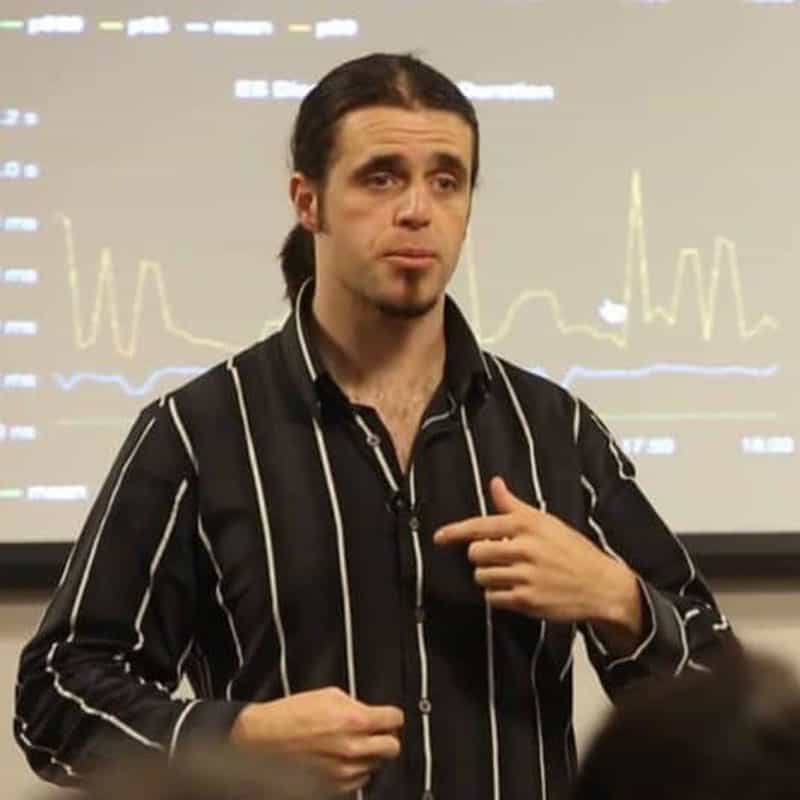
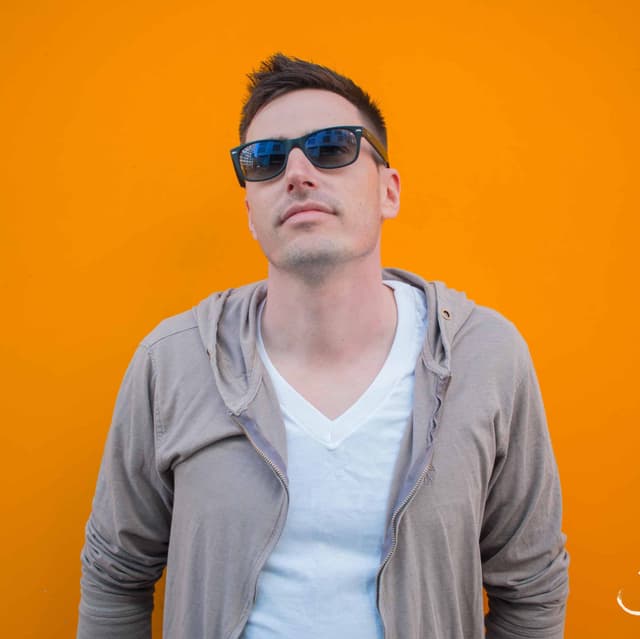
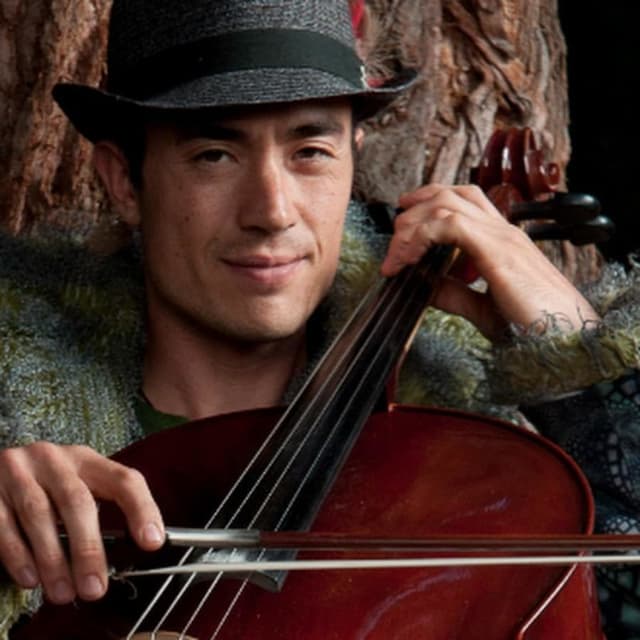
Instructors
36 hours - $1,799 (14+ days out) / $2,099 otherwise, + $200 registration
Ready when you are.
InquireWhy train with us?
Sampling Frequencies & Bit Rates: 96 v 44.1Khz & 24 v 16bit
Sampling Frequencies & Bit Rates: 96 v 44.1Khz & 24 v 16bit by Stephen Powell I had a conversation recently with a guy who described himself as a “glitch-dubstep-lo-fi composer” He went on to describe a couple of his tracks which turned out to be pretty much what you might expect from such a descrip
Read →5 Mixing Mistakes to Avoid
by Katie Gilchrest When it comes to mixing, establishing a balance is one of the most important parts of creating a professional sounding production. Some of the same miscalculations are made again and again, and fortunately there are ways to recognize, avoid and fix them. Here are five common mixin
Read →Simple Tips to Get Your Mixing Off to A Quick Start
You’ve completed your recordings and now it’s time to put them all together. If you ask any experienced mixing engineer, they will tell you that they have a system they use every time they want to mix a project.
Read →Build a synthesizer | THINK, MAKE, PLAY | Max/MSP
Build a synthesizer | THINK, MAKE, PLAY | Max/MSP. article by Mr Steve Powell What’s the first thing you do when starting a new track or build a synthesizer on your computer? Fire up Logic or Max/MSP? Warm-up the TB808? Sit on top of a hill and hope musical inspiration hits you whilst pondering the
Read →DIY Home Recording Studio Tips
As early as 2010, if you wanted to put together an album you were pretty much forced to shell out cash to a local recording studio. Or, even worse, you pretty much needed a record deal with a label of some sort.
Read →Apple Logic Pro with Avid Pro Tools HD DAW Systems
Apple Logic Pro with Avid Pro Tools HD DAW Systems: I heard here that Apple (Logic) are to stop support for Avid's Digidesign products (Pro Tools). This is a massive kick in the teeth for Avid who I here are struggling a bit at the moment. Neither rumor surprises me; I cashed in my (digital signal p
Read →