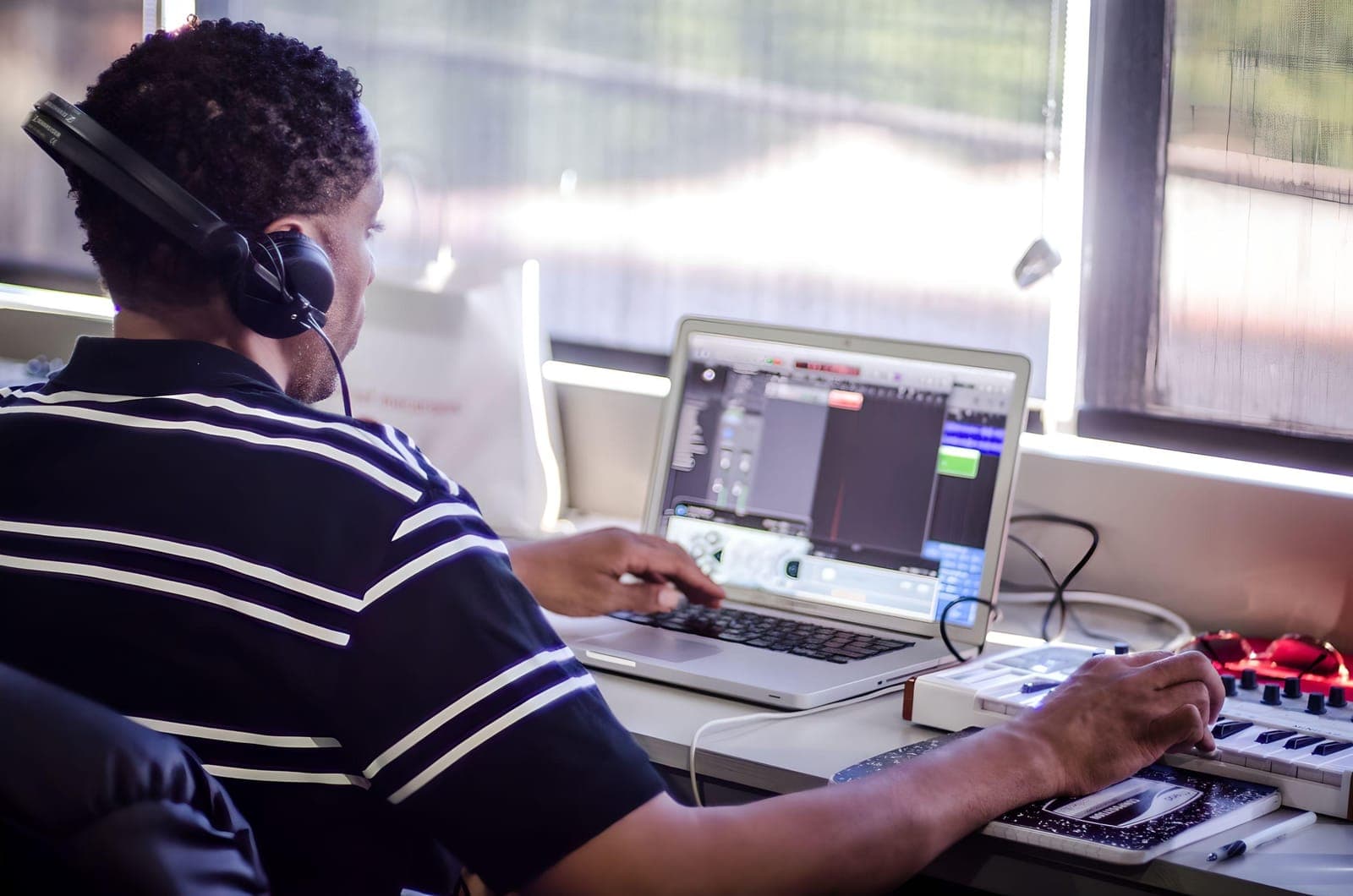
Pro Tools Class | San Francisco
Pro Tools Course | San Francisco
- →Successfully perform basic editing, including selecting and navigating around the relevant windows
- →Import audio &video into sessions
- →Perform basic mixing and apply routing concepts to sessions
- →Diligently deliver and perform backup of work
- →Apply mixing techniques for post production, including film & TV
- →Create, set up and successfully configure Pro Tools session/Project
- →Set up and capture/record both audio & MIDI information
Use the ‘CONNECT’ button below to request schedule and pricing information. One of our placement experts will follow up within a business day. For one-to-one lessons, see our Music Production Private Instruction page.
Taught at our San Francisco studio, the Pro Tools Class keeps groups small enough that every student gets real time at the controls. Bay Area producers lead the sessions, and the identical course can be taken live online if that suits you better, using our specialist music collaboration software, Muse.
Getting Started
- →Software installation, toolkits, iLoks & licenses
- →Avid hardware and other compatible interfaces
- →Launching Pro Tools & session start up
- →File format, bit depth & sampling rate tips
- →Pro Tools file structure and file management
- →Edit & mix window introductions
Advanced Editing Techniques
- →Clip based gain and automation
- →Pencil tool, TCE (Time Compression Expansion Tool)
- →Strip silence and tab to transient and consolidating clips
- →Repeating and duplicating clips
- →MONO, stereo and panning
- →Overview and automation for plugins and effects
Workflow
- →Edit window orientation
- →Importing audio, creating and track arranging tips
- →Edit modes - all about Slip, Spot, Shuffle & Grid
- →Multi-tool (Trimmer, Grabber, Selector)
- →Transport window - tempo, pre & post roll count off
- →Grid and nudge values
Recording Techniques and Introduction to Sound Design
- →Balancing, introduction to the art of mixing. Group tracks and advanced uses of routing
- →Introduction to sound waves, frequency, and amplitude
- →The recording patch in detail, introduction to gain structure
- →EQ and compression for recording
- →Foldback, headphone mixes, and latency
- →Digital, analog, sampling rate and bit-rate explained
- →Microphones overview and stereo miking techniques
- →Recording specific aspects of Ableton
- →Compiling audio takes
Samples & Loops
- →Creating drum loops in Pro Tools
- →MIDI controllers and editing MIDI
- →Printing software Instruments
- →Master Fader, VU and peak meters
- →Beat Detective - time correct live drums
- →Exporting audio, bouncing mixes and dithering
The Final Product
- →Preparing your session for mix-down
- →Consolidating audio and cleaning up your session
- →Exporting MP3s and Editing METADATA
- →Mixing techniques for post production, including film & TV
- →Key command shortcuts’ review
- →0dbfs and digital clipping
In our students' words.
“The instructor was great. He was extremely good at explaining things and always gave us enough time to put what we were learning into practice. Most importantly, he is passionate about music and actually enjoys teaching which really makes the whole experience very enjoyable.”
Reggie Chelsom
Instructors
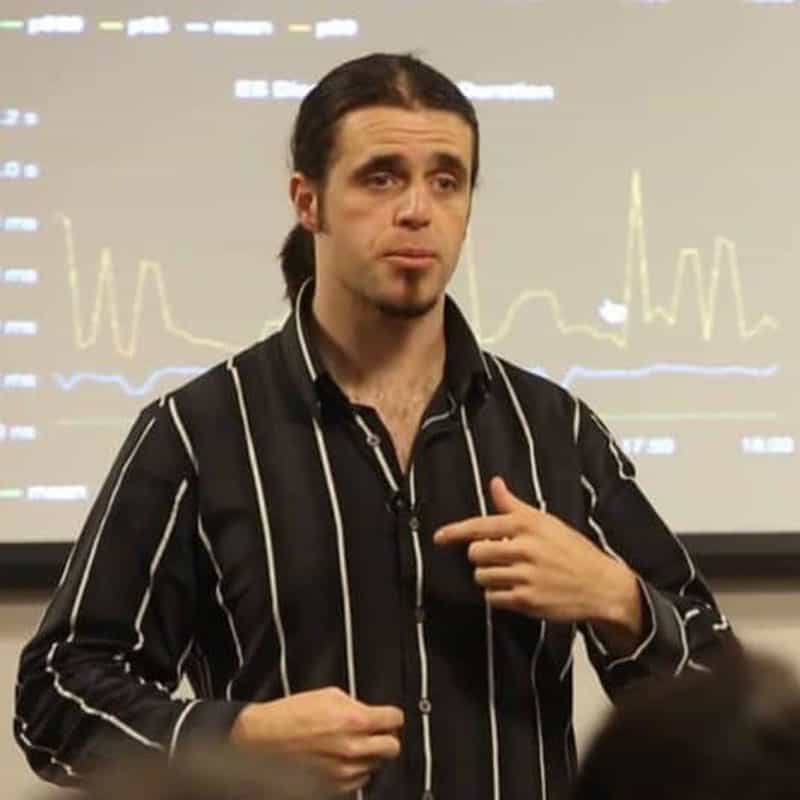
Before you enrol.
Both - MIDI recording and editing is covered alongside digital audio recording, editing and mixing.
Configure and run a session, record audio and MIDI, do basic editing, import audio and video, apply basic mixing and routing, and properly back up your work.
Yes - see our Music Production Private Instruction page if you'd rather do 1-on-1 lessons.
Pro Tools, covering session setup right through to a finished mix-down.
No - the course starts from fundamental principles before moving into more advanced techniques.
Use the "Connect" button to request schedule and pricing information - a placement expert will follow up within a business day.
36 hours (or 20 hours 1:1) - $1,799 (14+ days out) / $2,099 otherwise, + $200 registration
Ready when you are.
InquireWhy train with us?
Vocals
Dynamic control is an essential part of recording vocals. The best dynamic control is achieved from someone who knows good mic technique, getting closer…
Read →Modulation
We have discussed the most common modulation effects such as chorus, flanging and phasing. Now it is time to investigate other modulation effects.
Read →Mastering
A full guide to mastering - what it is, how multi-band compressors work on the master buss, choosing crossover points and prepping tracks.
Read →Reverb
Chambers, springs, plates and digital reverb - what each parameter does, and how to place a sound in a space without drowning the mix.
Read →Phaser & Flanger
What separates a phaser from a flanger, the parameters that matter on each, and how to use them without wrecking your mix.
Read →Recording Techniques – Putting The Courses Into Practice
Logic and Mixing learner Nick Burns (Captain Mermaid) tells us how he put the recording techniques he learnt on the Logic course and even the Mixing course into practice when he recorded and mixed this collaboration with singer Rebekah Anne Steele. "I used two SE small capsule condenser microphones
Read →